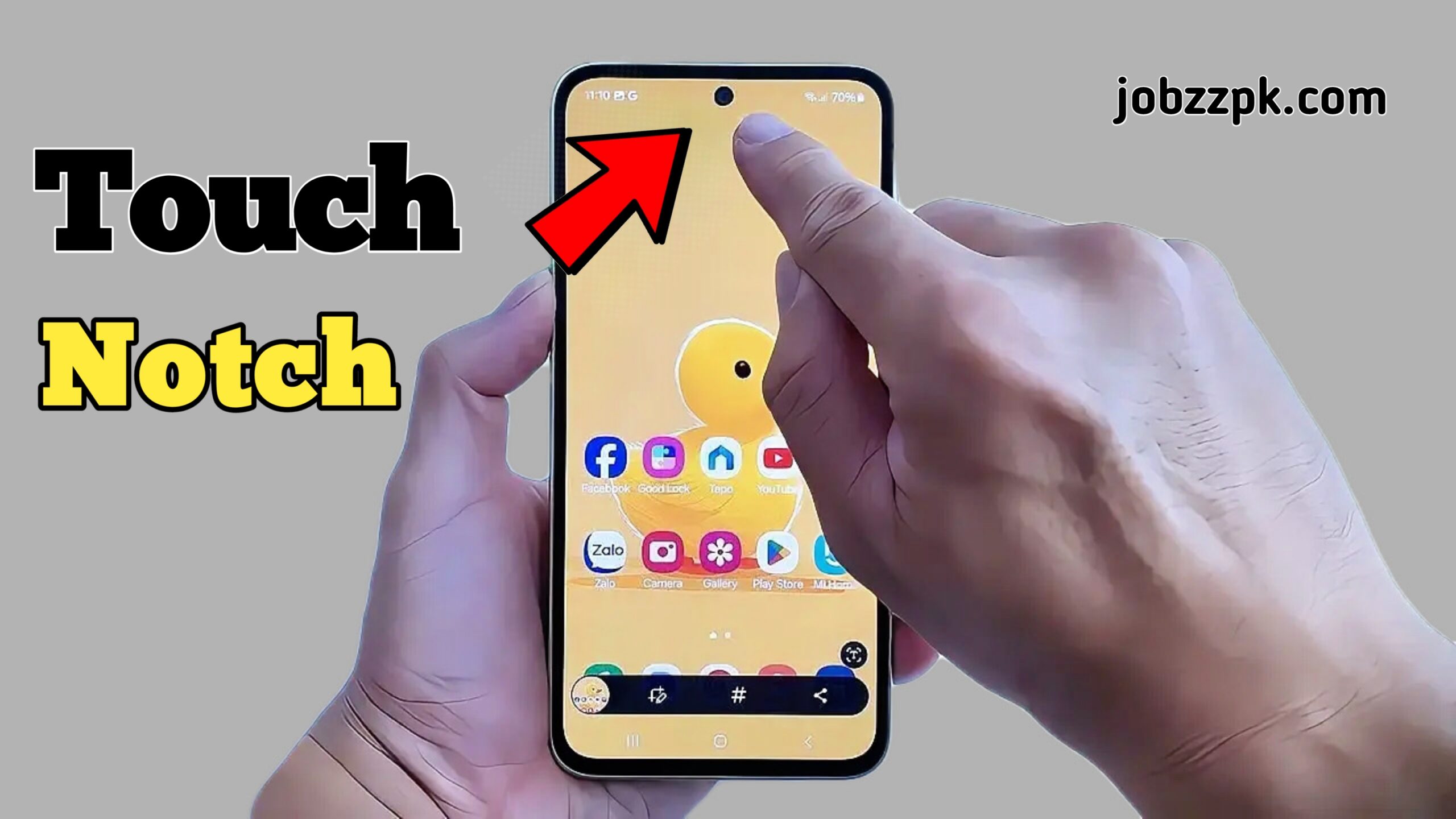
Smartphones are becoming more intelligent every year, but sometimes the simplest ideas make the biggest difference. One such idea is Action Notch, an innovative Android feature that allows you to touch the front camera (notch area) to trigger any action on your phone. Instead of pressing buttons or navigating menus, you can perform tasks instantly with a simple touch.
In this article, we will explore what Action Notch is, how it works, its key features, benefits, setup process, and why it is becoming popular among Android users.
What Is Action Notch?
Action Notch is an Android customization feature that turns your phone’s front camera or notch area into a touch-sensitive button. When you tap or touch the notch area, the phone can instantly perform a predefined action.
These actions can include:
- Opening an app
- Turning the flashlight on or off
- Taking screenshots
- Opening the camera
- Controlling media playback
- Activating system shortcuts
The idea behind Action Notch is to make your phone faster, smarter, and easier to control using an area of the screen that is usually unused.
How Does Action Notch Work?
Normally, the notch or front camera area only holds sensors and the camera. Action Notch uses software-based touch detection to recognize taps around this area.
Once enabled:
- The system detects a tap on the notch area.
- It matches the tap with your selected action.
- The action is triggered instantly.
No hardware changes are required. Everything works through software optimization, making it safe for everyday use.
Key Features of Action Notch
Action Notch comes with several useful features that improve user experience:
- Trigger Actions with a Simple Touch
You can perform actions just by touching the front camera area, without unlocking complex menus.
- Multiple Custom Actions
Action Notch allows you to assign different actions, such as:
- Single tap
- Double tap
- Long press
Each gesture can be linked to a different function.
- App Shortcuts
Open your favorite apps like WhatsApp, Camera, or YouTube instantly by touching the notch.
- System Controls
Control system features such as:
- Flashlight
- Wi-Fi
- Bluetooth
- Screenshot
- Lightweight and Fast
Action Notch is designed to be lightweight, so it does not slow down your phone or drain battery excessively.
Why Use Action Notch on Android?
There are many reasons why Android users prefer Action Notch:
Faster Access
Instead of unlocking your phone and searching for apps, you can open them instantly.
One-Handed Convenience
Perfect for large-screen phones where reaching buttons is difficult.
Better Productivity
Quick actions save time, especially for tasks you perform frequently.
Smart Use of Screen Space
The notch area is usually unused; Action Notch turns it into something functional.
How to Set Up Action Notch on Android
Setting up Action Notch is simple and beginner-friendly.
Step 1: Install and Enable
Install the Action Notch feature or tool from a trusted source like Google Play Store and enable it.
Step 2: Grant Permissions
Allow required permissions such as accessibility or overlay access so it can detect touches.
Step 3: Choose Actions
Select what action you want to trigger when touching the front camera.
Step 4: Customize Gestures
Assign different actions to single tap, double tap, or long press.
Step 5: Test and Adjust
Test the notch touch and adjust sensitivity if needed.
Is Action Notch Safe to Use?
Yes, Action Notch is safe when used properly. It does not harm your phone’s hardware or camera. Since it works at the software level, it only enhances usability.
However, always:
- Download from reliable sources like Google Play Store
- Avoid giving unnecessary permissions
- Disable it if you notice unusual battery usage
Used correctly, Action Notch is completely safe and useful.
Who Should Use Action Notch?
Action Notch is ideal for:
- Android power users
- People who want faster shortcuts
- Users with large-screen phones
- Anyone who likes smart customization
Even beginners can use it easily because the setup is simple.
Tips to Use Action Notch Effectively
- Assign actions you use daily (camera, flashlight)
- Avoid too many actions to prevent confusion
- Test sensitivity for accurate touch detection
- Combine Action Notch with other shortcuts for maximum productivity
Final Thoughts
Action Notch – Touch the Front Camera to Trigger Any Action is a smart and practical way to improve how you interact with your Android phone. By turning the notch into a touch-sensitive control area, it saves time, boosts productivity, and makes everyday tasks easier.
If you love customizing your phone and want faster access to features, Action Notch is definitely worth trying. It transforms an unused part of your screen into a powerful shortcut tool — simple, smart, and effective.