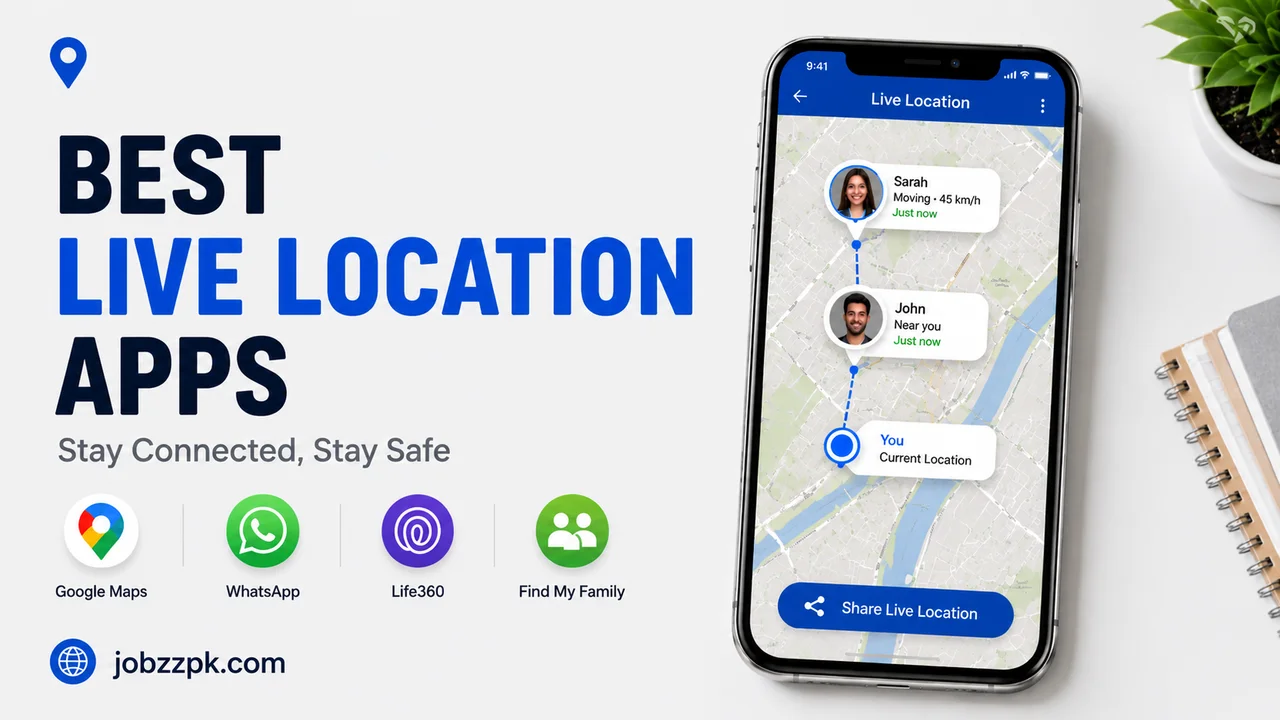
Sharing your location with someone used to feel like a complicated task. You had to explain where you were, send a nearby landmark, or keep checking your phone for updates. Today, live location apps make things much easier. With the right app, you can share your real-time location with family, friends, or someone you are meeting, so they can see where you are on a map while you are on the move.
But there is an important side to this convenience: location information is personal information. You should only share it with people you trust and use reputable apps with clear privacy controls. The good news is that several well-known services let you control who can see your location and, in many cases, how long they can see it.
Whether you are meeting friends in a busy area, traveling to another city, waiting for a family member, or simply letting someone know that you have reached home safely, these are some of the best live location apps for easy real-time location sharing.
What Is a Live Location Sharing App?
A live location sharing app uses your phone’s location services to show your current position on a map. Instead of sending only one fixed location, the selected person can see your location update as you move. This can be particularly useful when someone is traveling, meeting another person, or checking whether a family member has arrived safely.
Most reputable services also give you control over the sharing period. For example, Google Maps allows you to choose who can find your location and how long you want to share it. You can also stop sharing when you no longer want someone to see your location.
The key is to think of location sharing like handing someone a temporary key. Give it only to the right person, keep it for the right amount of time, and remove access when you are finished.
Best Live Location Apps for Real-Time Sharing
There is no single location-sharing app that is perfect for everyone. Your best choice depends on whether you use Android or iPhone, whether you need family features, and how much control you want over location sharing.
Here are some of the most practical options.
Google Maps
Google Maps is one of the easiest choices for people who want straightforward live location sharing without installing a dedicated family-tracking service. It is available on both Android and iPhone, making it particularly useful when people in the same group use different types of phones.
Google’s current Location Sharing feature lets you choose a person and decide how long that person can see your location. You can also share a location-sharing link with someone who does not have a Google Account, although link-based sharing is limited to a specific period.
This makes Google Maps a strong option for everyday situations. For example, you might share your location while traveling to a meeting or while trying to find friends at a crowded event. Once you arrive, you can simply stop sharing.
Apple Find My
For people who use iPhones, Apple Find My is one of the most convenient options because location sharing is built directly into Apple’s ecosystem. You can share your location with friends and family through Find My, and shared locations can also appear through Apple’s Messages and Maps experiences.
Apple also gives users control over who can see their location and allows location sharing to be stopped at any time. On supported iPhones, Live Location can provide information about a person’s ongoing movement, including their general direction and speed.
Find My is especially useful for families and close friends who already use Apple devices. If everyone is using an iPhone, there is usually little reason to install another location-sharing service just for basic real-time sharing.
Life360
Life360 takes location sharing a step further by focusing heavily on families and groups. Instead of simply sharing your location with one person for a short period, it provides a shared map where members can see participating people and use additional safety-oriented features.
According to Life360’s current information, location sharing is included across its plans, while additional features vary by membership level. The service also provides temporary location sharing, allowing someone to share a live location through a browser link for selected periods.
Life360 can be useful for families who want a more dedicated location-sharing experience. However, because location data is sensitive, users should review the service’s privacy settings and understand what information they are sharing. Life360 provides a Privacy Center where users can manage privacy choices and data-sharing settings.
WhatsApp can also be convenient when the people you want to share with already communicate through the service. Its location-sharing feature is useful for situations where you want to send your location inside an existing conversation instead of moving to another dedicated service.
For simple situations, this can be easier than asking someone to install another application. You can use location sharing when meeting friends, traveling, or helping someone find you in an unfamiliar area.
The important rule is the same: only share your location with people you trust, and use temporary sharing when you do not need your location to remain available.
Glympse
Glympse is designed around temporary location sharing, which can be useful when you do not want someone to have ongoing access to your location. This type of service can make sense when you are driving somewhere, meeting a friend, or traveling and simply want another person to know where you are for a limited period.
Temporary sharing is often a better approach than leaving location access turned on permanently. Once the purpose is finished, you should check that the sharing session has ended.
How to Share Your Location Safely
Using a live location app safely is not difficult, but a few habits can make a big difference. First, never share your real-time location publicly. Your location should normally be shared privately with a specific person or a trusted group.
Second, choose a reasonable sharing duration. If you are meeting a friend, you probably do not need to share your location indefinitely. Google Maps, for example, lets users choose how long their location remains available and provides controls for stopping sharing.
Third, regularly review who has access to your location. People change, circumstances change, and an old sharing permission may no longer be necessary. Apple similarly provides controls for stopping location sharing with individual people or everyone.
Finally, download location-sharing services only from official app stores such as Google Play Store or Apple App Store. This ensures you are using the official and updated version of the app with proper security and privacy protections.
Which Live Location App Should You Choose?
If you want a simple option that works across different phones, Google Maps is an excellent starting point. It provides real-time location sharing without requiring you to use a specialized family-tracking service, and you can control the sharing duration.
If your household mainly uses iPhones, Apple Find My is a natural choice. It is integrated into Apple’s devices and provides straightforward controls for sharing and stopping location access.
For families looking for a dedicated location-sharing experience with additional safety features, Life360 may be more suitable. Just make sure you review its privacy controls before deciding how you want to use the service.
For occasional sharing, a messaging-based or temporary-sharing option may be all you need. There is no reason to use a more complicated service when a simple location link can solve the problem.
Conclusion
The best live location apps make it easier to stay connected without constantly sending messages asking, “Where are you?” Google Maps is a strong all-around option, Apple Find My works particularly well for iPhone users, and Life360 offers more dedicated features for families. WhatsApp and temporary-sharing services can also be useful when you only need to share your location during a specific situation.
The most important part is not simply choosing an app. Safe location sharing depends on how you use it. Share your location only with people you trust, use temporary sharing whenever possible, review your permissions regularly, and stop sharing as soon as you no longer need it. When you treat your location as sensitive information rather than something to share freely, real-time location sharing can be both convenient and responsible.